YouTube Video Downloader
Save YouTube videos as 4K or 1080p MP4 with sound, or extract MP3 audio.
More free tools from DIMA Tools
 DIMA Tools YouTube Thumbnail GrabberPaste a YouTube link and download the thumbnail in up to 1280×720 - free, no install
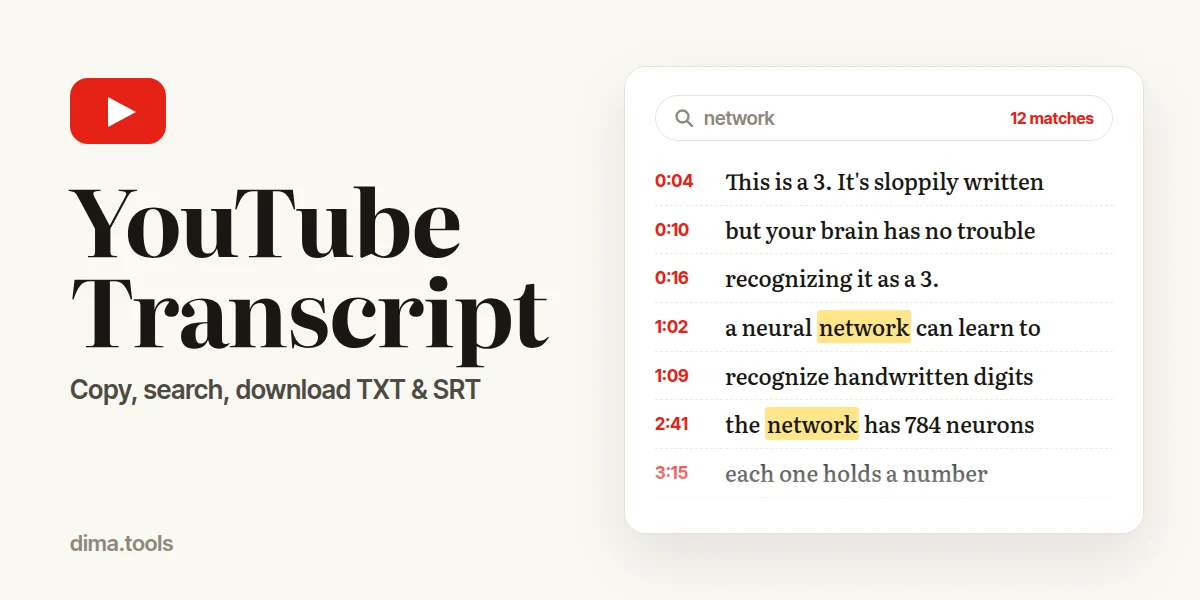 DIMA Tools YouTube TranscriptPaste a YouTube link to get the full transcript with or without timestamps, in any caption language - copy it or download TXT and SRT, free
 DIMA Tools Image ResizerResize photos by pixels or percentage. Lock ratio, batch, JPG/PNG/WebP output - free
 DIMA Tools Color Palette ExtractorExtract 1–12 dominant colors from any image as HEX/RGB. Copy as CSS variables or JSON - free
 DIMA Tools Apple Emoji PNGDownload 3,575 Apple emojis as transparent PNG in 32–512px, including 270 flags and the 2024–2025 additions. Search by name, browse by category - free
 DIMA Tools PDF ConverterPDF pages to JPG, or several JPG/PNG photos into one PDF. Resolution and quality options, ZIP download - free
 DIMA Tools WebP ConverterConvert JPG, PNG, animated GIF, BMP and TIFF to WebP. Quality and width control, batch - free
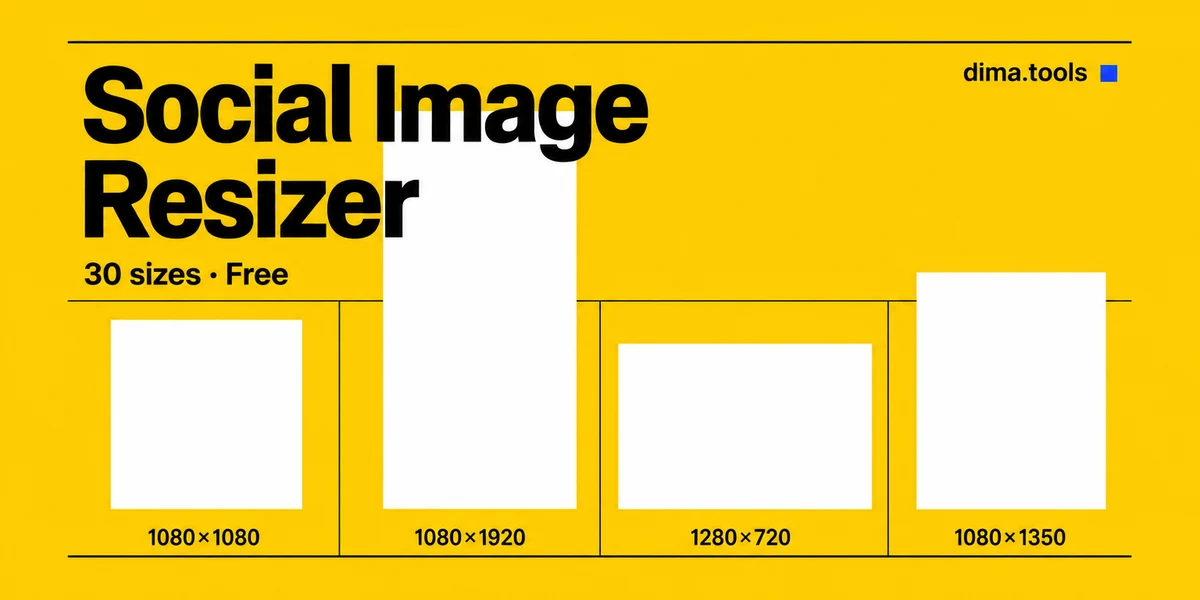 DIMA Tools SNS Image Resizer30 presets for Instagram, YouTube, Threads, Kakao, Naver, Coupang and OG images - free
Why use this YouTube downloader
4K and 1080p MP4 with sound
Save video at your chosen resolution with sound in one MP4.
Video quality selection
Choose from the video's available resolutions, including 4K, 1440p and 1080p, with estimated file sizes.
MP3 audio
Extract audio as MP3. The file size before download is an estimate.
Free, no sign-up
No account, payment or daily download cap.
Phone and computer
Download in your browser on iPhone, Android, Windows or Mac without installing an app or extension.
No download copies on our server
MP4 and MP3 files are created in your browser without passing through DIMA Tools' server.
How to download a YouTube video
-
1
Copy the link
On a computer, copy the address from the browser bar. In the YouTube app, tap Share → Copy link.
-
2
Paste the link
Paste the link into the box above to load the title, duration and estimated file sizes.
-
3
Choose format and video quality
Choose Video (MP4), then select a resolution from the quality buttons below it. Each quality can include an estimated file size. For audio, choose Audio Only (MP3). Press Download, then save the file when it is ready.
Where to find the file
iPhone / iPad
Safari asks to download the file. Open the Files app → Downloads. To add a video to Photos, open it in Files and tap Share → Save Video.
Android
Chrome saves it to the Download folder. Open the Files app, or Chrome → Downloads.
Windows / Mac
The file goes to your Downloads folder unless your browser asks where to save it.
Quality and formats
MP4 includes video and sound in one file. Video quality is selectable, including 4K and 1080p. MP3 contains audio only. File sizes before download are estimates.
| Option | What you get | Sound |
|---|---|---|
| Video (MP4) | Your selected resolution from the video's available qualities, including 4K, 1440p and 1080p. The source frame rate is preserved, including 60 fps. | In the same file |
| Audio Only (MP3) | The best audio track, converted to MP3 at the highest variable-bitrate setting. | Audio only |
- Quality buttons list the available resolutions for each video. Videos with 1080p available have 1080p selected by default.
- The selected resolution uses AV1 first, followed by VP9 and H.264. The video is saved without re-encoding.
- Playback requires a player that supports the saved video codec. Any conversion for another player or editor is up to you.
- Nothing is upscaled. Videos retain their original aspect ratio, including vertical Shorts.
- HDR uploads use an SDR stream for the saved MP4.
Supported links
youtube.com/watch?v=…Video page on a computerm.youtube.com/watch?v=…Video page in a mobile browseryoutu.be/…Share → Copy link in the YouTube appyoutube.com/shorts/…Shortsyoutube.com/live/…Live streams that have ended
A link copied from a playlist downloads only that video. Channel pages, playlists and search results can't be downloaded.
YouTube Shorts Downloader: vertical preview, resolution selection and MP4 with sound
Why a video won't download
Private, deleted or region-blocked
Check that the video still plays on YouTube without signing in. Videos blocked in the region where our server runs cannot be downloaded here.
Sign-in required
Age-restricted, members-only and private videos require a signed-in YouTube account. This downloader does not support those videos.
Still live
A stream that is still running cannot be saved. Download the replay after the stream ends and YouTube publishes it.
Browser download failed
A browser download error ends the download. DIMA Tools does not create or convert a replacement file on its server.
Not a video link
Channel pages, playlists and search results are not individual video links. Copy the link to the video itself.
Frequently asked questions
Use it responsibly
Download videos you made, videos under a Creative Commons licence, or videos the owner has allowed you to save. Don't re-upload, sell or redistribute downloaded videos without permission.
DIMA Tools is not affiliated with YouTube or Google. Files created in your browser are not stored on DIMA Tools' server. Rights holders can contact [email protected].